The NextShift Blog
Practical guides for rec hockey players, and what's new in the app.
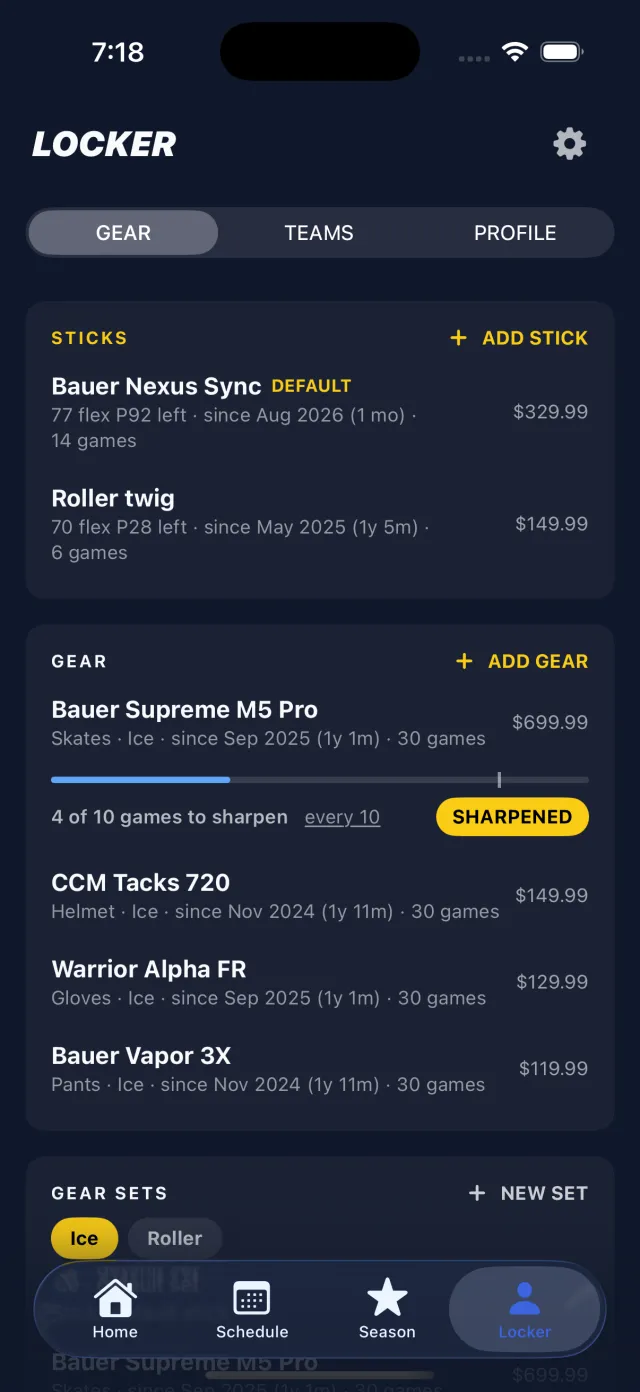
Version 26.10.18: Your Locker, Your Gear, and a Stick for Every Game
A new Locker tab keeps your sticks, skates and gear. Every game records which stick you used, retired sticks get a career summary, and your skates tell you when they need sharpening.
Guides
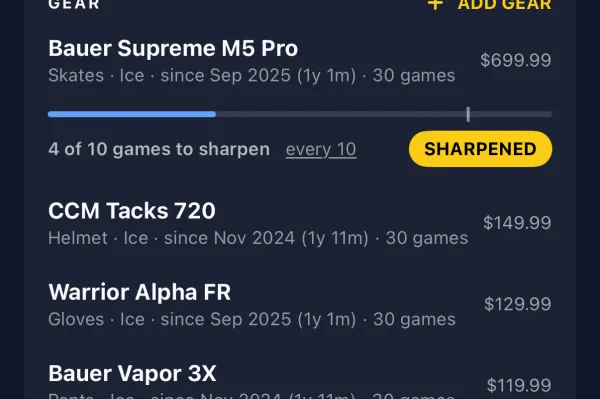
How Often Should You Sharpen Hockey Skates?
A practical answer for rec and beer-league players: how many games between sharpenings, the signs your edges are gone, which hollow to ask for, and when to rotate roller wheels.
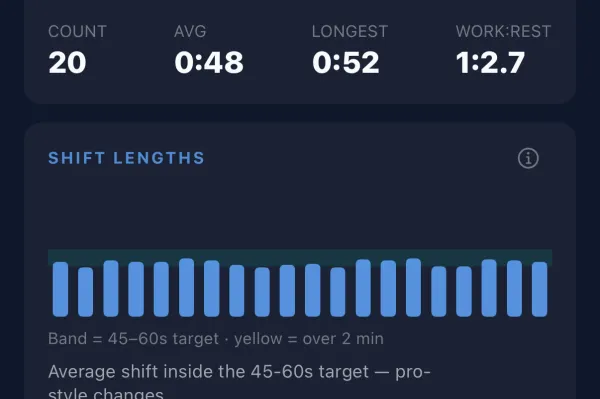
How Long Should a Hockey Shift Be? (And Why Yours Are Probably Too Long)
NHL shifts average well under a minute. Here is why 45 to 60 seconds is the right target for beer league too, what long shifts cost your team, and how to actually get off on time.
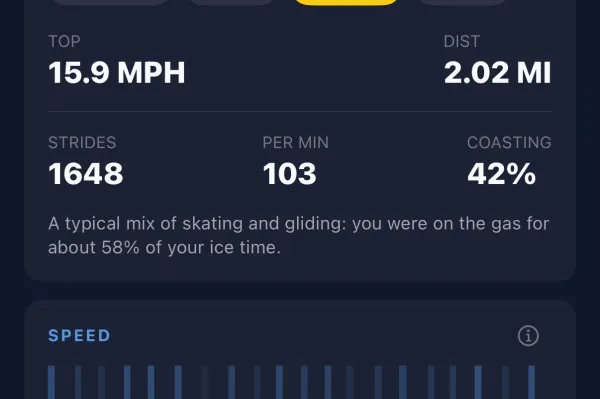
How Fast Do Hockey Players Skate? Beer League vs the NHL
What a normal skating speed looks like in rec hockey, how far you really skate in a game, how that compares with the pros, and why most wrist "top speeds" are wrong.
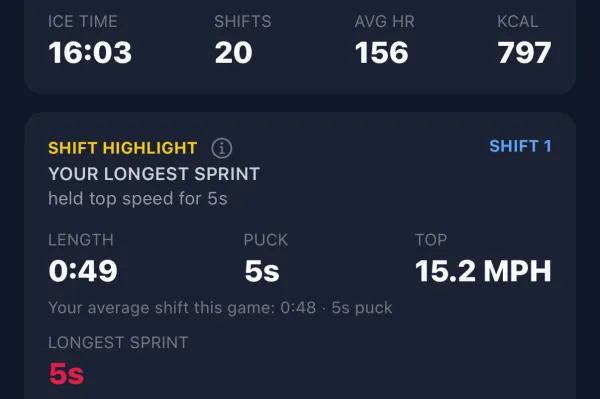
What Is Hockey Shift Detection, and How Does a Smartwatch Do It?
How a watch on your wrist tells skating from sitting on the bench, why it’s harder than it sounds, and what you get once every shift is logged automatically.
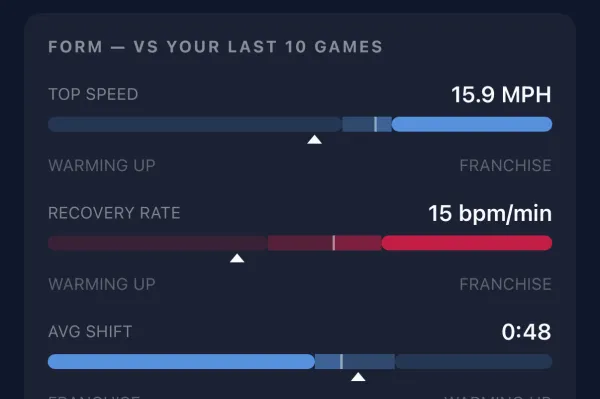
5 Stats Every Beer League Hockey Player Should Track
Forget Corsi. These five numbers will actually help a rec player play better: ice time, shift length, bench recovery, pace through the game, and form against your own average.
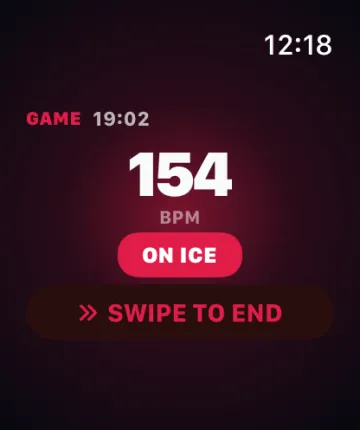
Apple Watch vs Wear OS for Hockey: Which Should You Use?
Both track a full hockey game. What actually differs: which phone you have, heart-rate reliability while skating hard, how the watch starts, and how to wear it under a glove.
What's new
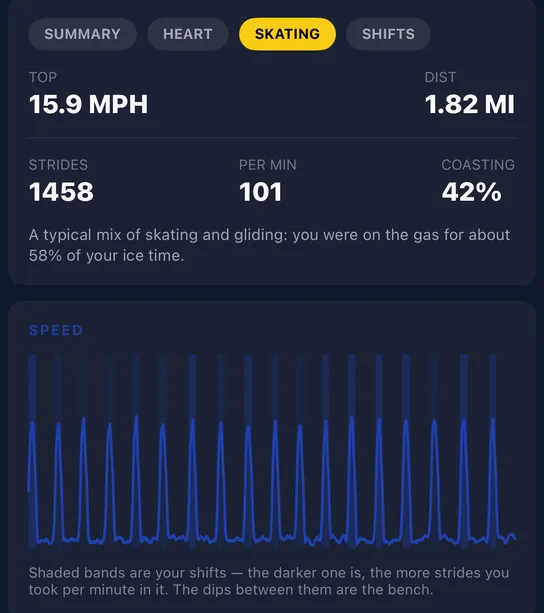
Version 26.10.11: Speed Numbers You Can Believe
Average speed, distance and top speed now come from a new estimate checked against real game video. Shift speeds used to read about 4 mph slow; now they land within about 1 mph.
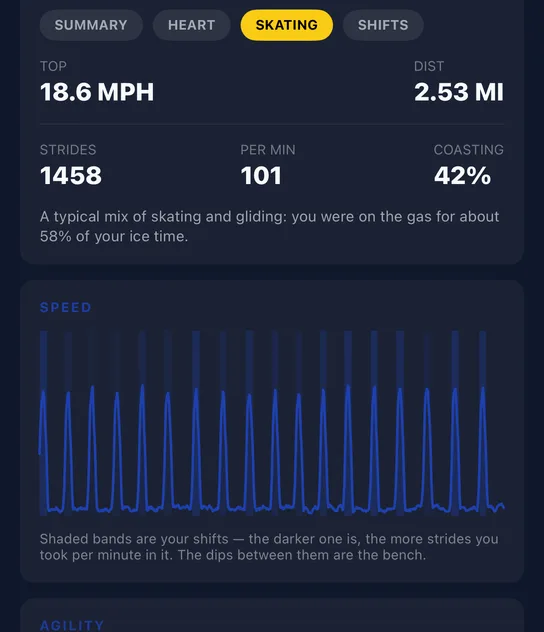
Version 26.8.16: Strides, a Rebuilt Game Screen and an End Button That Waits for You
Every shift now shows how many strides you took and how much you coasted. The game screen is rebuilt into tabs, ending a game can no longer happen by accident, and Glove Guard comes to Wear OS.
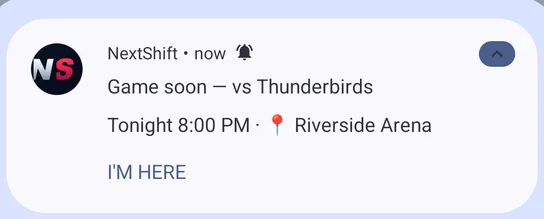
Version 26.8.9: The Pre-Game Moment, Goalie Mode and Honest Game Lengths
Pull into the rink and your phone offers to start your watch. Games now count from puck drop, not from when you armed the watch. Plus goalie mode with save percentage, and tournaments you can add by name.
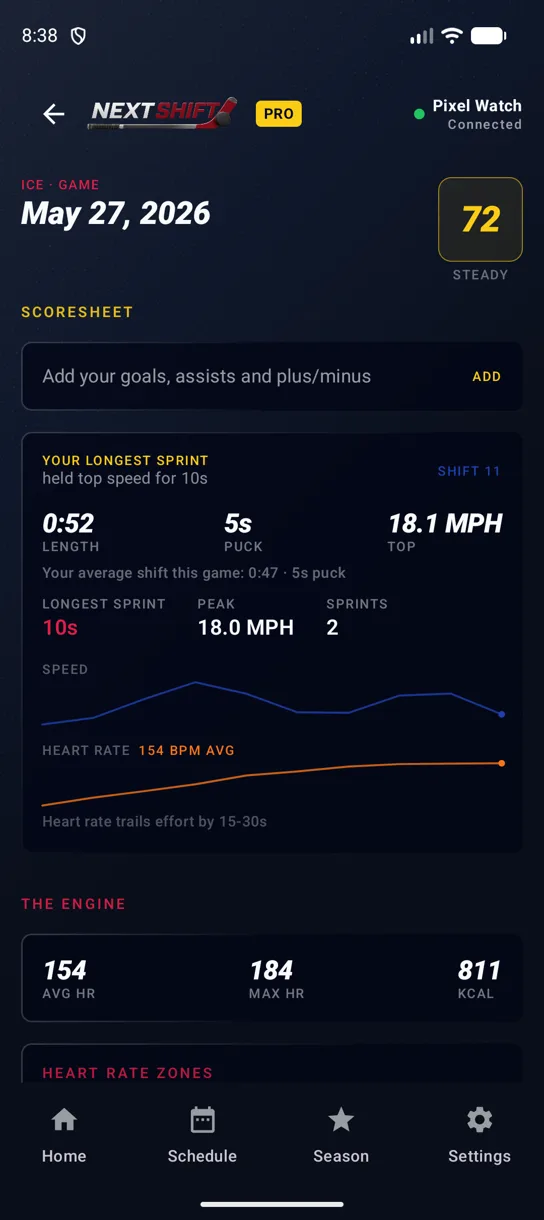
Version 26.8.2: Shift Spotlight, Your Own Scoresheet and Practices
Every game now picks out your standout shift and says why it won. Plus your own goals and assists, practices as their own session type, and quiet hours for notifications.
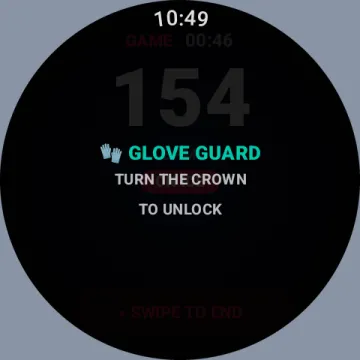
Version 26.7.20: Glove Guard and Guest Mode
Glove Guard stops a glove cuff from touching your Apple Watch screen mid-game, Guest Mode lets you look around before signing up, and the app tells you when your rink is ready.
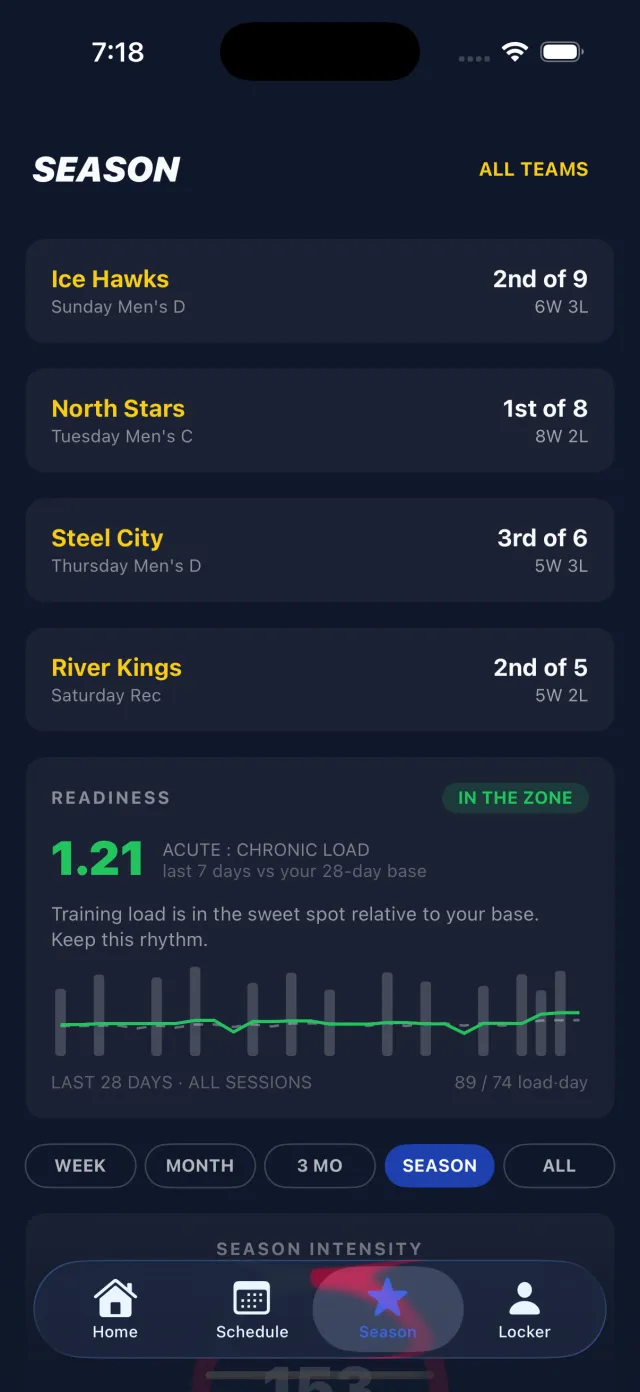
Version 26.7.11: The Player Card Studio and Live Standings
Turn any photo into a pro-style player card with an automatic cutout, backdrops and a holographic finish. Plus cleaner shift tracking and live league standings in the app.
Version 26.7.6: A Redesigned Watch App and Smarter Schedules
A rebuilt watch app you can read mid-shift, game previews with head-to-head records against your opponent, pre-game reminders, and games you can add yourself.
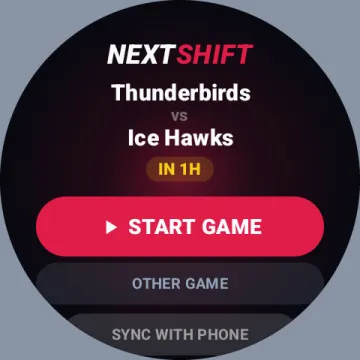
Never Miss a Puck Drop: Next-Game Widgets for Your Watch and Phone
Your next game, its rink and a countdown to puck drop, on a Wear OS tile, an Apple Watch complication or an Android home-screen widget.
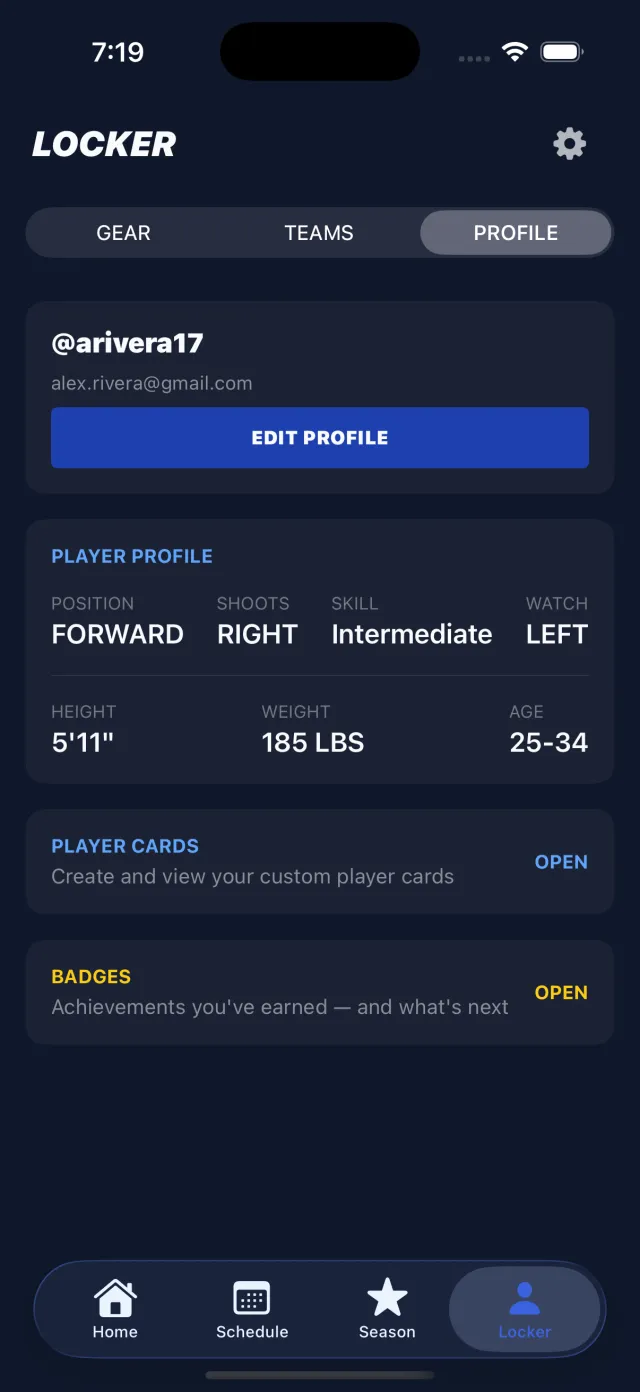
Show Off Your Stats With Player Cards
Turn your photo, jersey number and season stats into a digital trading card to share with your team.