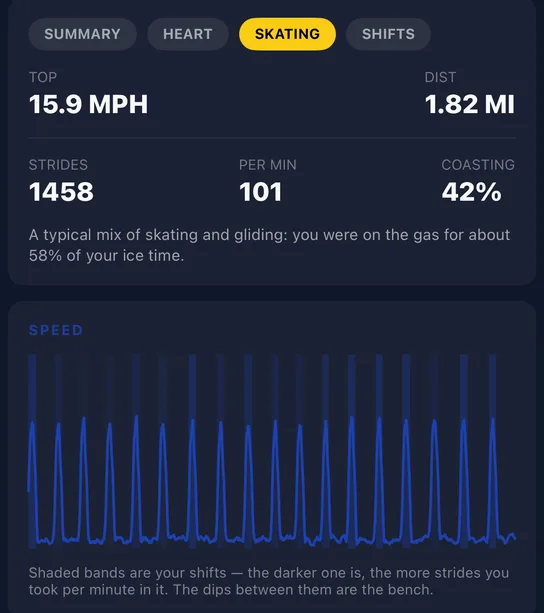
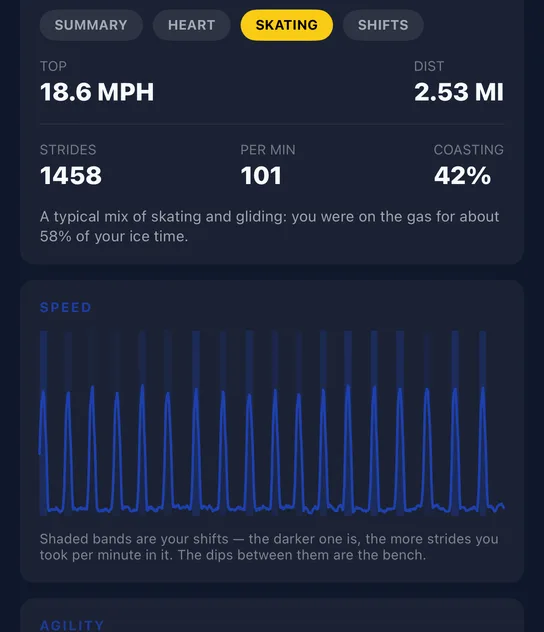
Version 26.10.18 is rolling out on iPhone, Apple Watch, Android and Wear OS. It gives your gear a home. You can track every stick and piece of equipment, see which stick you used in every game, and get a full career summary when a stick finally breaks.
The Locker
A new Locker tab holds your gear, your teams and your profile in one place. Settings has moved behind the gear icon at the top of it.
Add your sticks, skates and protective gear, with what you paid and when you bought them. Start typing a brand and pick the model from the list. NextShift knows the current models from the major brands, stick curves included, and a typo like "baur" still finds Bauer. Anything that isn't in the list is saved exactly as you typed it.
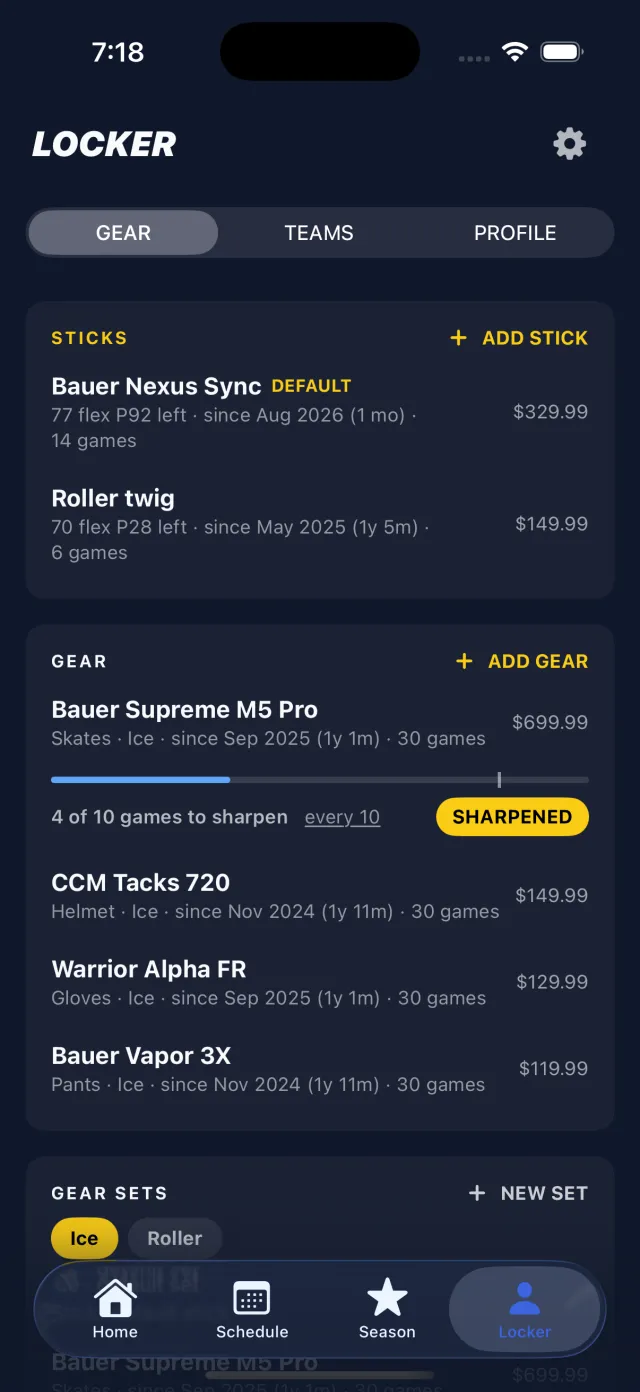
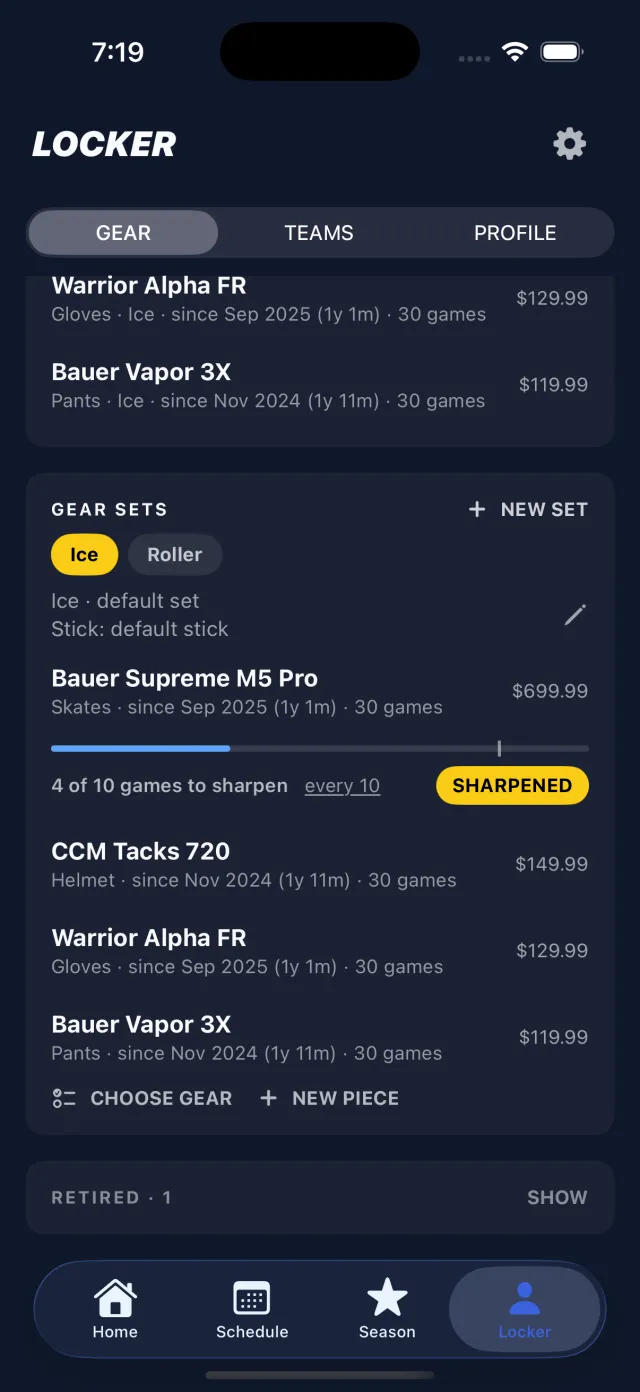
Gear sets handle ice and roller. Add each piece once and put it in every set you wear it with. If you use the same helmet and gloves for both, only your skates and pants need to differ.
A stick for every game
Every game now records which stick you used. That's your default stick, the stick you've assigned to that team, or the stick for the set you're playing in. Most players never have to think about it.
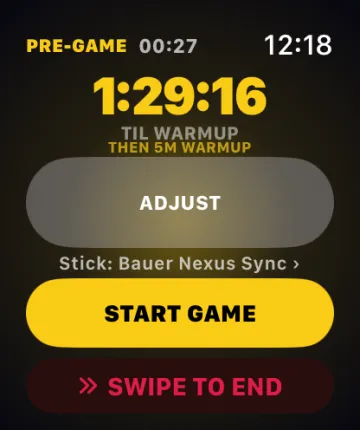
If you have two or more sticks, the watch's pre-game screen shows a Stick line just above START GAME. Tap it to switch. It's one line, it only appears when there's a choice to make, and it works on both Apple Watch and Wear OS. You can also change it afterwards from the GEAR card on any game.
Stick careers
Retire a stick when it breaks, wears out or gets replaced, and you get its whole life: games, goals, assists, points, how long it lasted and what it cost per game. Share it as a story card in the same style as your game recap. Games only count once you've tracked them, so a new stick starts at zero whenever you bought it.
Skate care at a glance
Each pair of skates shows how close it is to its next sharpening, or its next wheel rotation for roller skates, right in your gear list. Set your own schedule, anywhere from every 4 to every 30 games, and tap SHARPENED or ROTATED when it's done. Ice or roller is set per pair, so each keeps its own count. Not sure how often? We wrote a guide: how often to sharpen hockey skates.
Home and game details
- Your last game sits right under your next one on Home, with the final score when it was a scheduled game.
- The form gauges are steadier. A game close to your usual now reads as usual, not as your best or your worst.
- Tap ⓘ on any number in a game to see what it means.
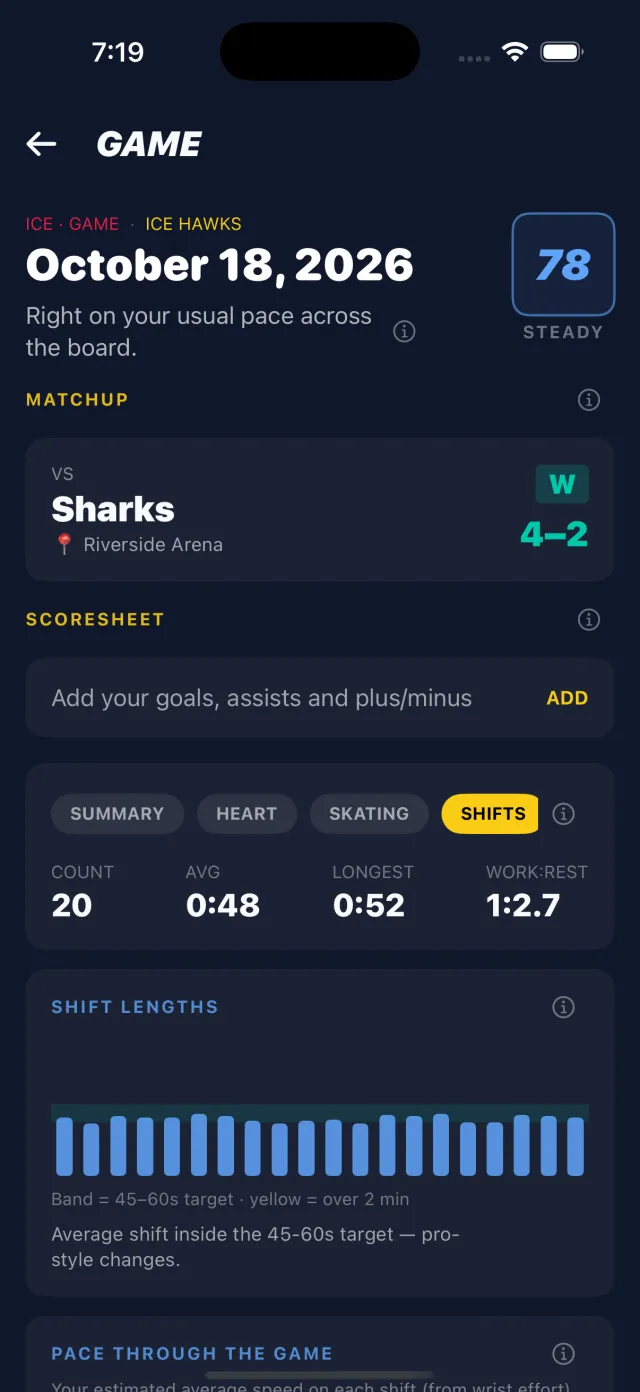
- One SHIFT LENGTHS card shows each shift against a 45 to 60 second target, with anything over two minutes highlighted. (Why that target? See how long should a hockey shift be.)
- A brighter blue for numbers, headings and charts on the dark background.
Update both your phone and your watch: the stick picker needs the pair.