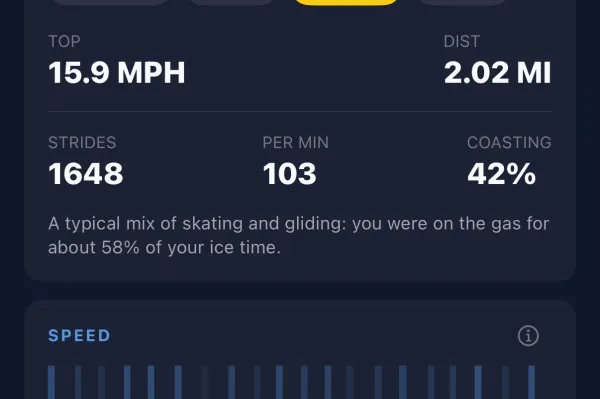
Short answer: use the one that works with your phone. Apple Watch needs an iPhone, and Wear OS watches (Google Pixel Watch, Samsung Galaxy Watch and others) need an Android phone. NextShift tracks the same things on both: shifts, ice time, estimated speed, distance, strides and heart rate. If you're choosing between watches on the same phone, here's what matters for hockey.
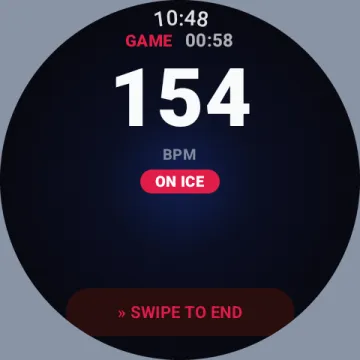
Heart rate
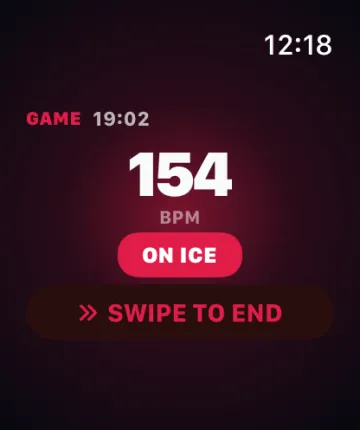
Optical heart rate has a hard time on a wrist that's swinging, gripping a stick and sweating under a glove. In our own games Apple Watch has been the more consistent of the two during hard skating. Wear OS readings can occasionally stall for a few seconds. Shift detection, speed and strides come from the motion sensors and are unaffected.
Starting the game
Both watches show your next game with a countdown and a START GAME button, and both can be started from your phone when you arrive at the rink. On iPhone, that needs one permission: allow NextShift to write workouts to Apple Health, because that's the only way an iPhone app can launch its watch app. On Android it just works.
Gloves and accidental touches
A glove cuff resting on a touchscreen is the classic way to lose a game. Both platforms have Glove Guard, which locks the screen while you play (turn the crown to unlock), and ending a game always takes a swipe and a confirm.
Size and fit
Wear the watch under your glove cuff, snug enough that it doesn't bounce. Smaller cases slide under a cuff more easily, and a thin silicone sport band beats leather or metal. Wear it on the same wrist every game, and tell the app which one.
Battery
Tracking a game runs the motion sensors and heart rate constantly, so start with a good charge, especially on smaller watches or if you play doubleheaders.
Which one?
- iPhone: Apple Watch. Any current model works; the Ultra adds battery headroom and a tougher screen.
- Android: a Wear OS 3+ watch: Pixel Watch, Galaxy Watch 4 or later.
The best watch for hockey is the one you'll actually wear every game.